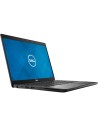
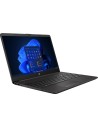
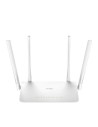
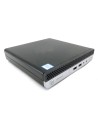
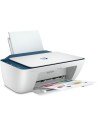
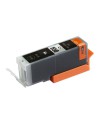
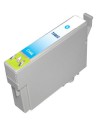
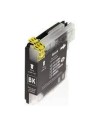
Bij het gold abonnement regelen wij qua onderhoud alles voor u, onderhoud, virusscanner en de hoogste kortingen op inkt en arbeidsloon, u ontvangt van ons 1 keer per jaar een email als het weer tijd is voor een onderhoudsbeurt, zo kunt u het nooit vergeten en zal uw computer tijdig onderhoud krijgen waardoor de snelheid ten goede komt en vooral de levensduur verlengt worden.
U kunt het abonnement online bestellen door op de knop bestellen te drukken, het is ook mogelijk om het abonnement telefonisch of bij ons in de winkel te bestellen.
Indien u een abonnement besteld, ontvangt u naar keuze een factuur per maand, kwartaal, half jaar of per jaar per email.
Betaal mogelijkheden: automatisch incasso, iDEAL of handmatige bank overboeking.
Alle genoemde prijzen zijn inclusief 21% BTW.
*Online kunt u tot max. 3 apparaten een abonnement bestellen, voor meer dan 3 apparaten hebben we aangepaste voorstellen met gereduceerde tarieven. Neem hiervoor contact met ons op.


_1.png)